

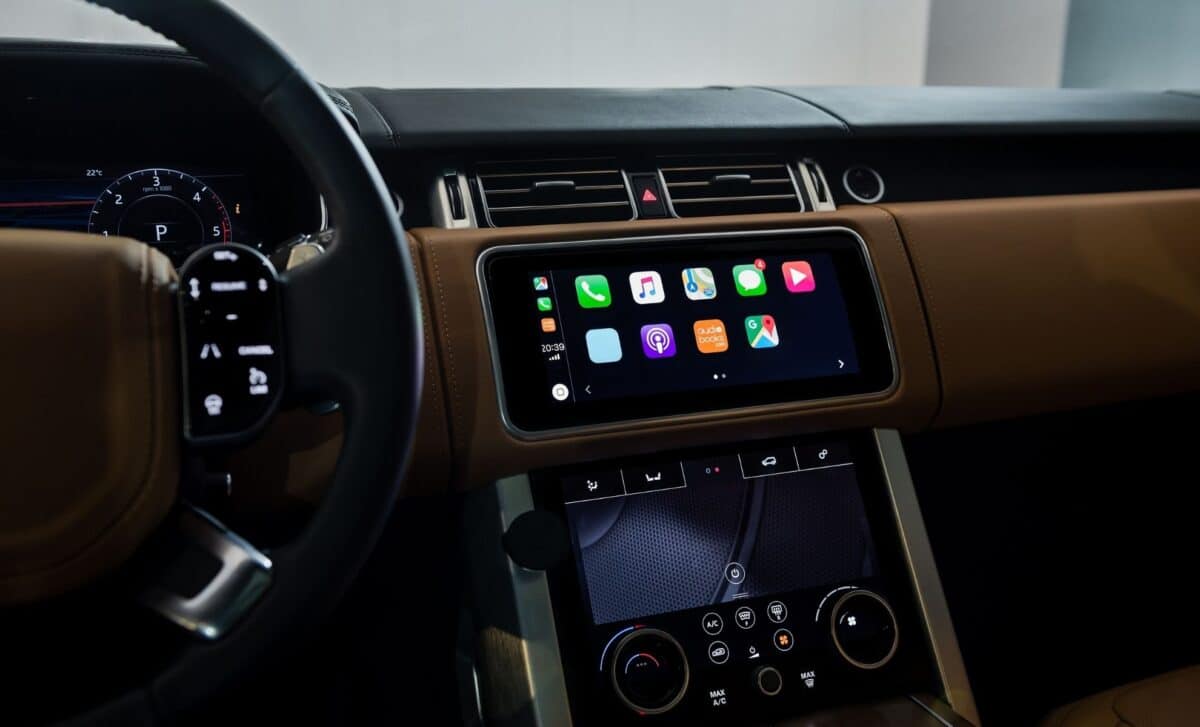
While Android Auto continues to tease features still locked in beta, CarPlay users now have access to a more dynamic and glanceable interface. The update, part of a broader overhaul of CarPlay, also includes Smart Display Zoom and refreshed icon styles, but it’s the widgets that have reshaped how users interact with their dashboard.
The arrival of widgets answers years of anticipation among Apple users. After several subtle CarPlay tweaks in recent updates, this 2025 refresh marks a real shift in usability and design, making information more accessible and interactions more efficient.
Widgets: What They Are and How They Function in CarPlay
Widgets are compact, functional modules that present essential app information without requiring the app to be opened. First introduced on iPhones with iOS 14 and enhanced with interactive functionality in iOS 17, widgets have become a common part of mobile interfaces. Now, with iOS 26, they’ve made their way to CarPlay.
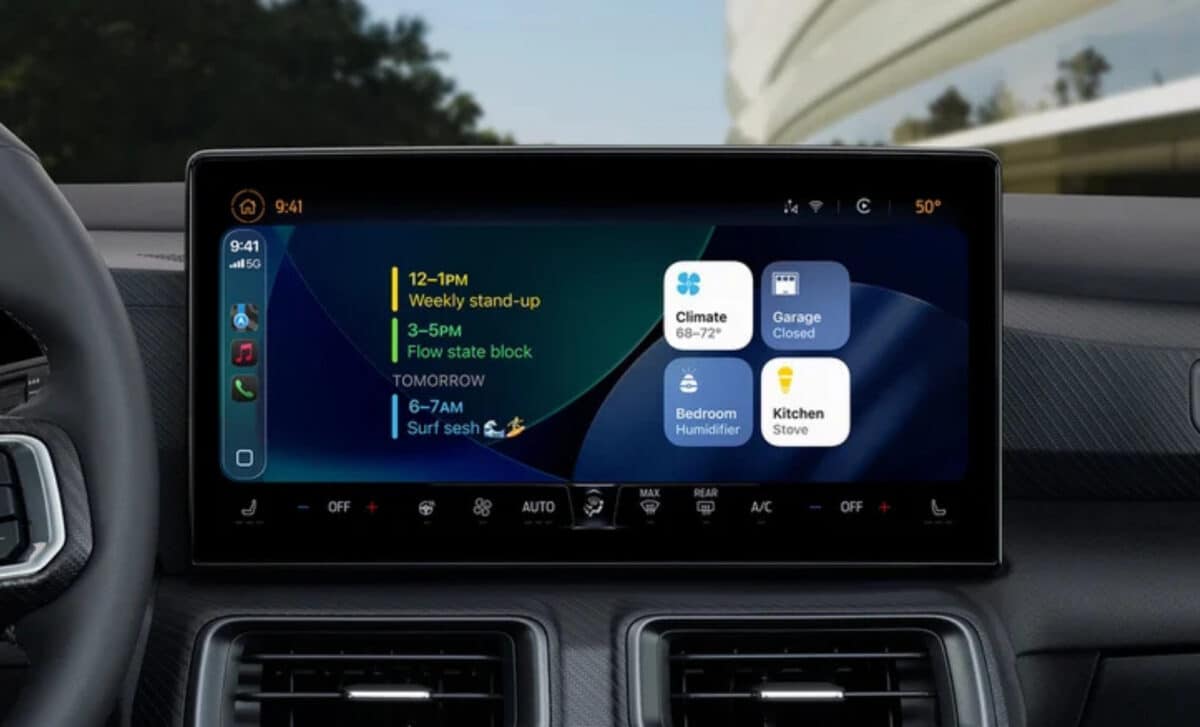
The CarPlay widget system includes a dedicated widget screen located to the left of the standard Dashboard view. Users can access it with a simple swipe and configure which widgets appear using their iPhones. This screen gives drivers quick visibility into key information, like calendar events, without tapping through menus or navigating full-screen apps.
The purpose of widgets in a driving environment is clear: reduce distraction. Since drivers shouldn’t take their eyes off the road, apps must deliver information as clearly and briefly as possible. By design, widgets offer only core features in a simplified view. For example, the Calendar widget shows upcoming appointments at a glance, no interaction required beyond a quick look.
CarPlay now also supports interactive widgets, allowing actions like checking off reminders directly from the widget. These interactions, while limited, align with Apple’s ongoing efforts to prioritize both utility and safety inside the vehicle.
Display Size Limits and User Frustration
Despite the promise of widgets, the implementation isn’t without flaws; especially on smaller infotainment displays. Users with 9-inch screens or smaller are limited to displaying only one widget per screen. This limitation requires drivers to swipe through screens to view additional widgets, which undercuts the convenience the feature is meant to offer.
This constraint leads to further frustration when low-value widgets take up limited screen space. The article specifically calls out the clock widget, which uses up display real estate without delivering much functional benefit. The lack of multi-widget layout on small screens is viewed as a significant shortcoming in the current design.
One potential solution comes in the form of Smart Display Zoom, also introduced in this update. This feature adapts the CarPlay interface to better fit the resolution and dimensions of the infotainment system. While it’s meant to optimize how elements are shown on different screen types, it hasn’t fully resolved the one-widget-per-screen limitation.
Developer Support Will Decide the Feature’s Future
Apple’s widget integration depends heavily on developer adoption. Unlike Google’s strategy with Android Auto, which aims to bring existing Android widgets into vehicles without additional work, Apple requires app developers to explicitly add CarPlay widget support.
This requirement creates a bottleneck: if developers don’t prioritize widget support, the feature risks stagnation. Still, developer support is likely to follow, as is typical with new Apple initiatives. Over time, popular CarPlay-compatible apps are expected to integrate widgets.
Apple has not disclosed any long-term plans regarding widget expansion. The article compares this situation to the failed Windows Phone ecosystem, which suffered from poor developer backing and eventually collapsed. Without solid app integration, CarPlay widgets could face a similar lack of momentum.
Meanwhile, Google’s work on widget integration for Android Auto continues in the background, though without public timelines. The article notes that both companies remain tight-lipped, and while competition might eventually drive innovation, there’s no clear indication of when or how that rivalry will unfold.