
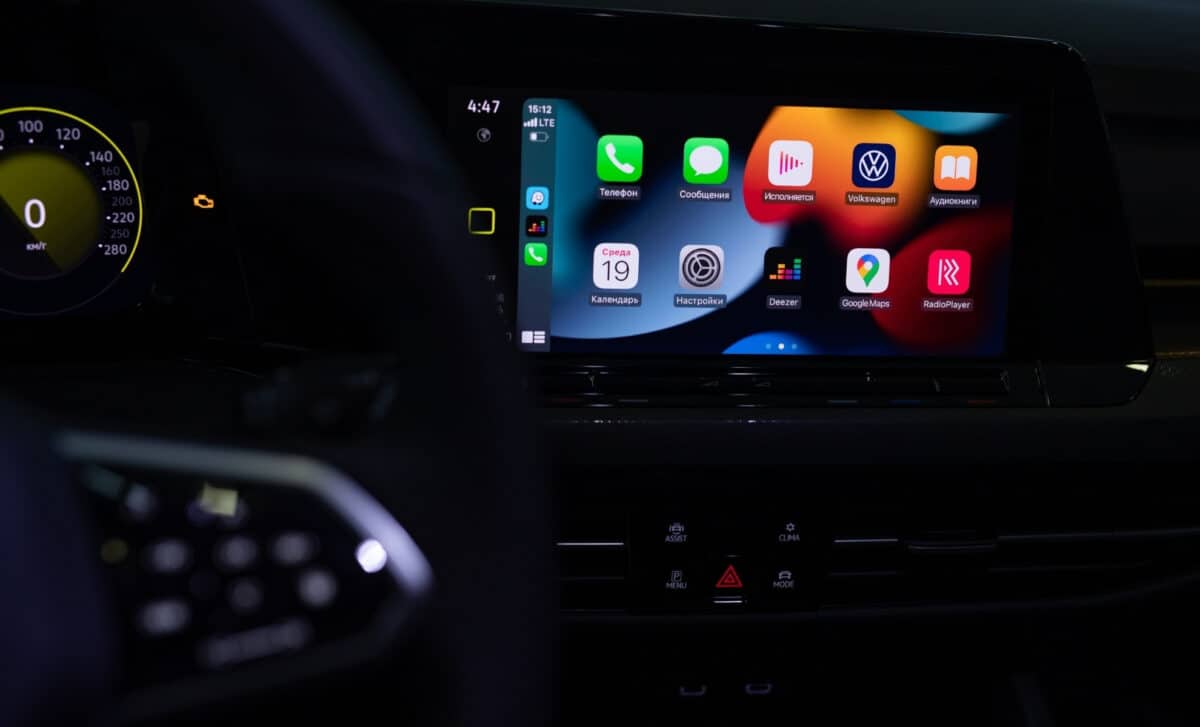
CarPlay has become a go-to for drivers who prefer Apple’s ecosystem over often outdated or limited in-car systems provided by manufacturers. While many recent models come pre-equipped with it, older cars can still benefit from different setups depending on their existing features and compatibility. From dealership updates to plug-and-play screens, here’s a full breakdown of how to get Apple CarPlay up and running.
CarPlay works by connecting your iPhone to your car’s screen, either via Lightning, USB-C, or wireless, then displaying a simplified version of iOS optimized for driving. This includes access to navigation apps like Apple Maps or Waze, music libraries, voice-dictated messages, and calls, all without handling your phone. It offers a streamlined alternative to manufacturer systems, which, are often never updated and tend to block third-party apps. Drivers gain a system that’s more familiar, updatable, and functional.
Activate CarPlay If Your Vehicle Already Has The Hardware
For some vehicles, especially those produced between 2016 and 2020 by manufacturers such as Volkswagen, BMW, Mercedes, or Peugeot, the hardware required for CarPlay is already present—but the feature itself hasn’t been activated.
One solution is to contact your dealership. They may be able to activate CarPlay with a simple software update or by installing an official module. In some cases, this service comes with a fee, but it requires no major modifications to the vehicle and preserves its original multimedia system.
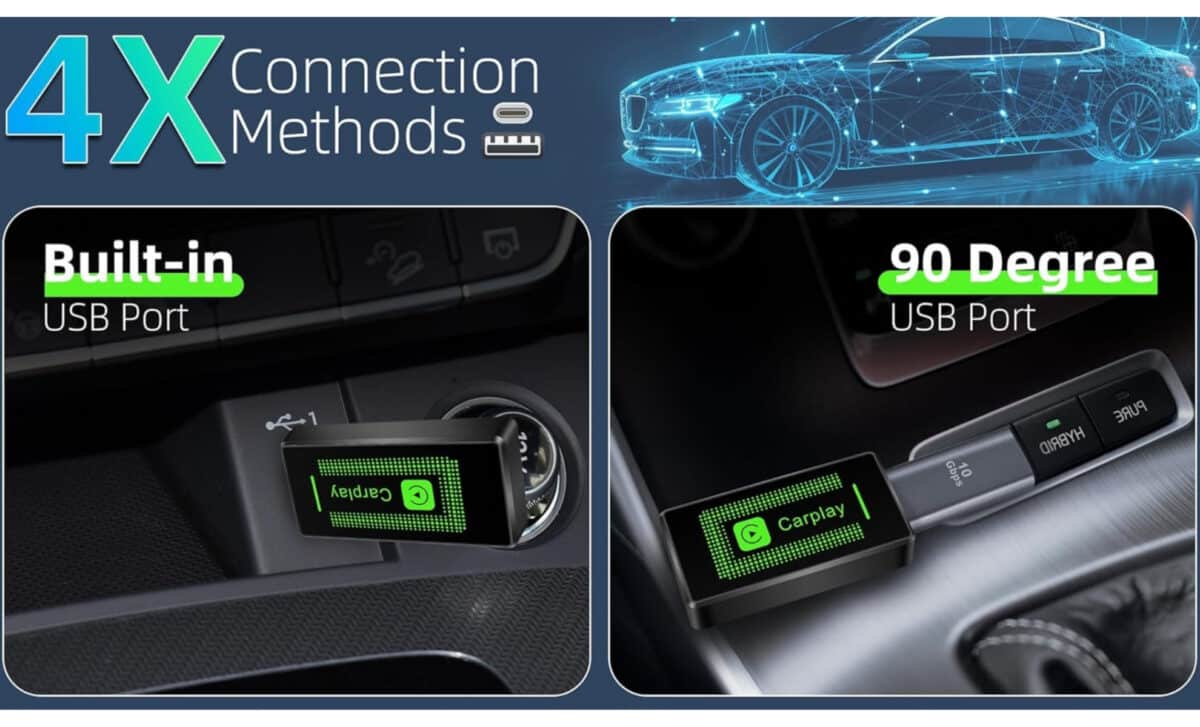
If your car already has CarPlay installed but only supports it via cable, a wireless adapter is another option. These devices, often priced between $25.99 to $45.99 USD, and available from retailers like Amazon, can plug into your USB port and allow Bluetooth pairing with your iPhone.
For example, the Lyssiefeel CarPlay adapter connects to any compatible car’s USB port (for vehicles from 2016 onward) and enables wireless CarPlay for iPhones running iOS 10 or later. It doesn’t add new features, but it improves convenience by removing the need to plug in your phone every time.
Replace Your Head Unit If Your Car Has A Screen But No CarPlay
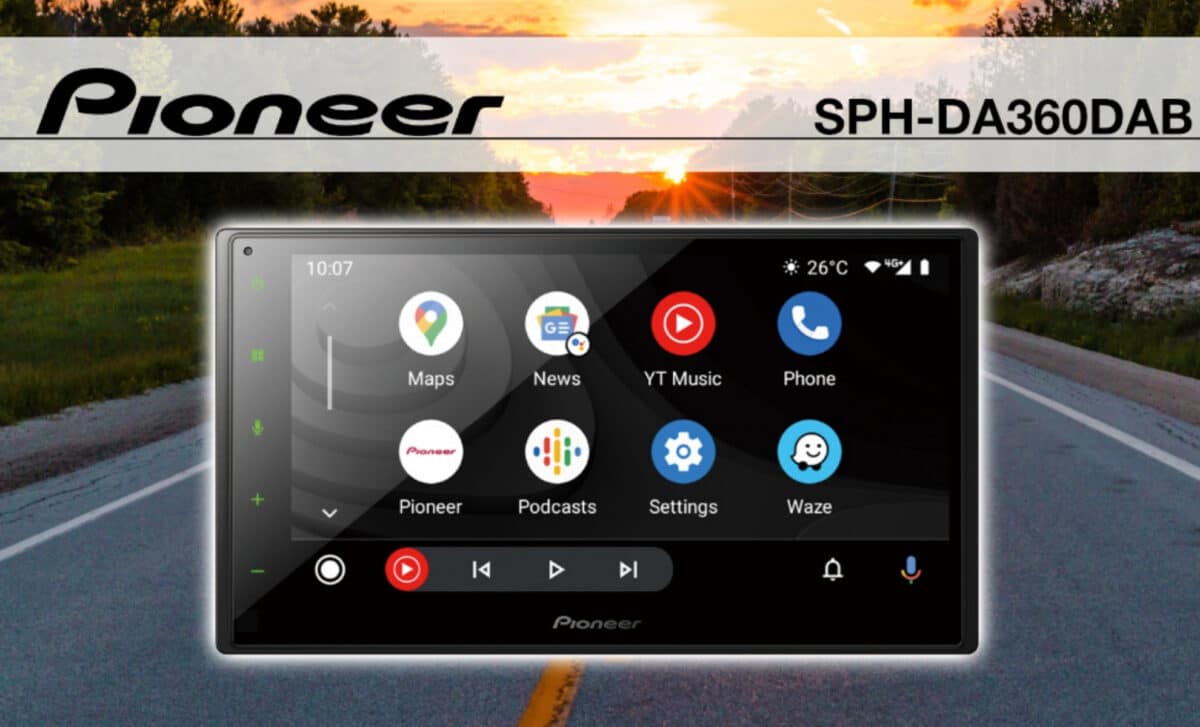
If your car is equipped with a screen but does not support CarPlay, replacing the multimedia unit is a solution. Several brands, JVC, Sony, Pioneer, offer aftermarket touchscreen head units with built-in support for CarPlay and Android Auto.
While this solution is often considered the most seamless and integrated, it’s also the most expensive and complex. Devices like the Pioneer SPH-DA360DAB typically are listed around $593.60, not including the cost of extra accessories such as wiring harnesses, mounting kits, or dash adapters. Installation usually requires removing the original unit and may demand help from a professional to ensure a clean fit and connection to the vehicle’s speaker system.
Some Pioneer models also offer optional radio antennas, so users can choose whether to include FM/AM capabilities. CarPlay can then be used through either a wired or wireless connection. The benefit of this approach is a fully integrated audio experience that takes full advantage of the car’s built-in speaker system, without the need for external transmitters or additional speakers.
Use An External CarPlay Screen If Your Car Has No Compatibility At All
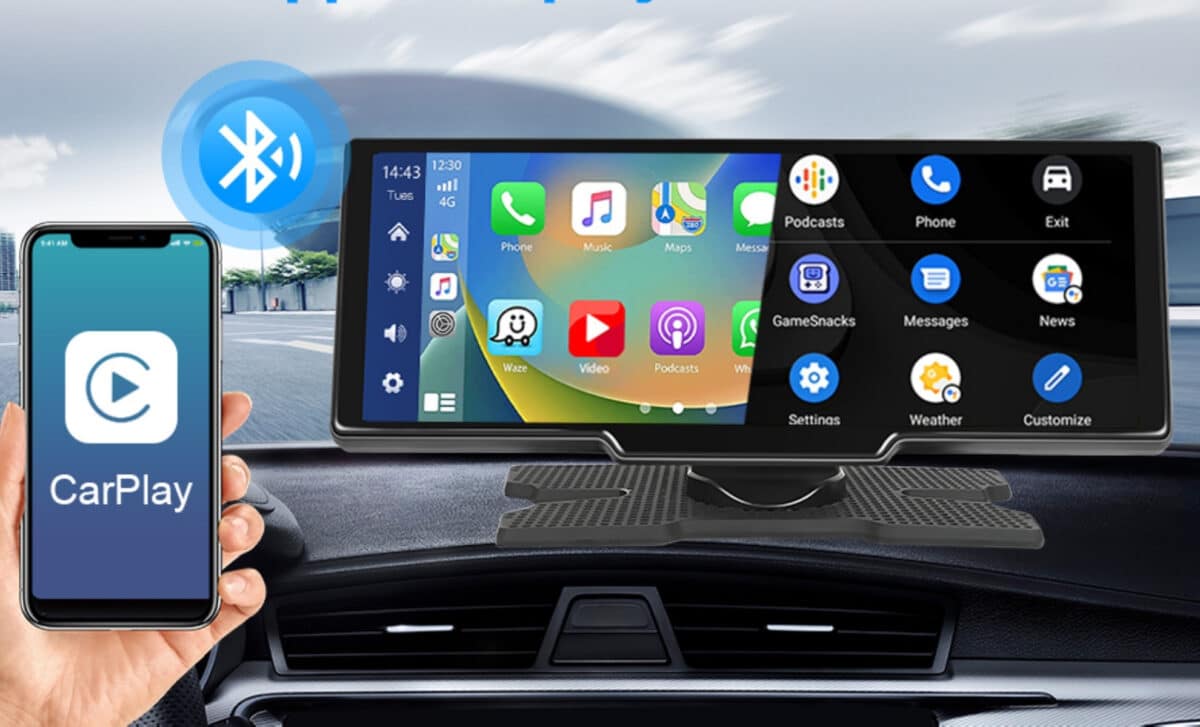
For drivers with older vehicles or cars lacking built-in screens, an external CarPlay device is the most accessible route. These standalone units feature their own touchscreen display, can connect to your iPhone via Bluetooth and Wi-Fi, and operate independently of the car’s built-in multimedia system.
Devices like the Podofo 10.26-inch screen are powered through the car’s cigarette lighter or USB port, and offer multiple audio options: a built-in speaker, a 3.5mm AUX output, or an FM transmitter. The Podofo unit supports 1280×720 HD resolution, and automatically turns on when powered. It provides both Apple CarPlay and Android Auto, and can be installed without tools or professional assistance. It is currently sold between $66.89 and $94.99, depending on included features like a backup camera or dashcam.
While this solution is more accessible and easier to install than a head unit replacement, its effectiveness depends heavily on your car’s audio setup. The best experience requires an accessible AUX input. If that’s not available, FM transmission can be used, but audio quality may suffer. Visually, the device is not integrated into the dashboard, it sits above it, which may not appeal to all users.
How To Know If Your Vehicle Is Compatible
CarPlay compatibility depends less on the car brand than on the multimedia system it contains. Over 800 vehicle models are known to support CarPlay, particularly those released since 2016. The fastest way to check? Plug your iPhone into the car’s USB port using a Lightning or USB-C cable. If the CarPlay interface launches, then it’s already compatible.
The minimum iPhone requirement is the iPhone 5, although iOS 13 or higher is recommended. Having a functional USB port or Bluetooth is also a basic requirement for any type of installation or connection.