

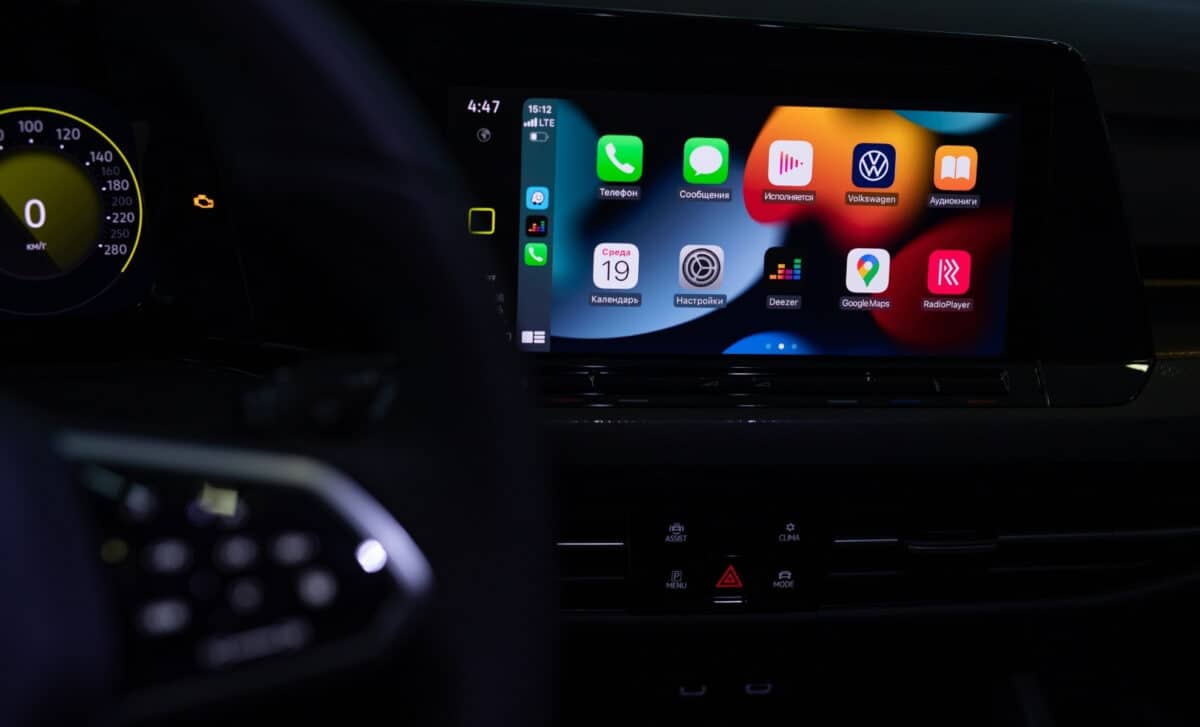
While the spotlight has been on the futuristic CarPlay Ultra, these more subtle enhancements to the classic CarPlay version are expected to make a real difference for everyday users. The update focuses on two significant improvements: a more intuitive way to manage pinned conversations and better use of screen space for widgets.
These changes address long-standing usability issues, making the interface more coherent and efficient for drivers. While CarPlay Ultra continues to face resistance from car manufacturers, the classic version’s evolution suggests that Apple understands the importance of seamless integration in the car.
A More User-Friendly Messaging System
For years, CarPlay users could pin conversations on their phone but couldn’t modify or manage them directly from the car’s screen. iOS 26.2 finally addresses this limitation, allowing users to reorganize, pin, and unpin conversation threads right from the CarPlay interface. This improvement makes CarPlay much more user-friendly, enabling a smoother and safer experience for drivers. Apple has also refreshed the messaging interface, bringing it closer to the look and feel of iOS, reducing the cognitive load on users when switching between their phone and CarPlay.
This change is particularly significant because it aligns the user experience between the smartphone and the in-car system. The less drivers need to interact with their phones while driving, the safer and more intuitive the experience becomes. Apple’s decision to update this feature is a clear acknowledgment of how critical ergonomics are for adoption in the automotive world.
Widgets Optimized for Larger Screens
Another notable feature of iOS 26.2 is the improved handling of widgets. CarPlay originally introduced widgets with iOS 26, but the number of widgets displayed was limited depending on the size and resolution of the screen. Now, users with larger screens will benefit from the ability to view a third “column” of widgets, displayed in a horizontally scrolling carousel. Some users have reported the option to stack more widgets than before, though the exact number remains dependent on the car’s model and CarPlay integration.
This enhancement allows drivers to keep several types of information visible at once, such as navigation, music, and weather, without constantly switching between different apps. The ability to optimize space on larger displays reflects Apple’s understanding of the unique needs of in-car technology, which is vastly different from typical mobile screens.
CarPlay Ultra Faces Resistance from Manufacturers
While the improvements to the classic CarPlay version are exciting, the same can’t be said for CarPlay Ultra. This new version, which promises to take over not just the central display but also the instrument cluster and climate control, has been met with resistance from automakers.
CarPlay Ultra is designed to transform the in-car experience, offering deep integration with vehicle functions. However, manufacturers, who view this as a challenge to their control over the user experience, have been hesitant to fully embrace the concept.
Ford’s CEO, Jim Farley, raised concerns about the extent of control Apple should have over car systems, questioning whether Apple would take charge of critical vehicle functions like speed and access restrictions. For now, automakers continue to favor the current version of CarPlay, which is limited to navigation, music, and phone connectivity, leaving the core vehicle functions in the hands of the manufacturers